
The simulator
Stand on the ground. Read the map. Get graded.
Stand on the ground, look around, find yourself on the map, plan a route, and walk it. Then find out what an instructor would say about it. A land nav video game, built for training.
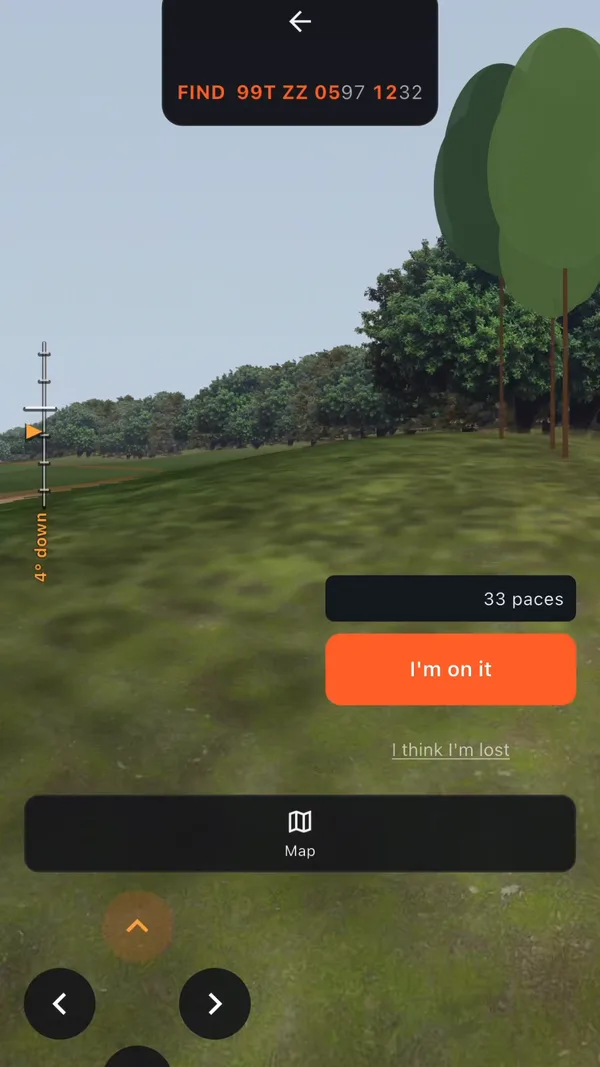
Gridland, a world built for training
The simulator runs in Gridland, a training world with its own topographic map sheet. You learn the tools there before you take them onto real ground.
Real maps for the field
Separately, GridReady has free topographic maps of real U.S. regions, built from U.S. Geological Survey data. Downloaded regions work with no cell signal. GPS works offline.
Tools
Everything in the simulator
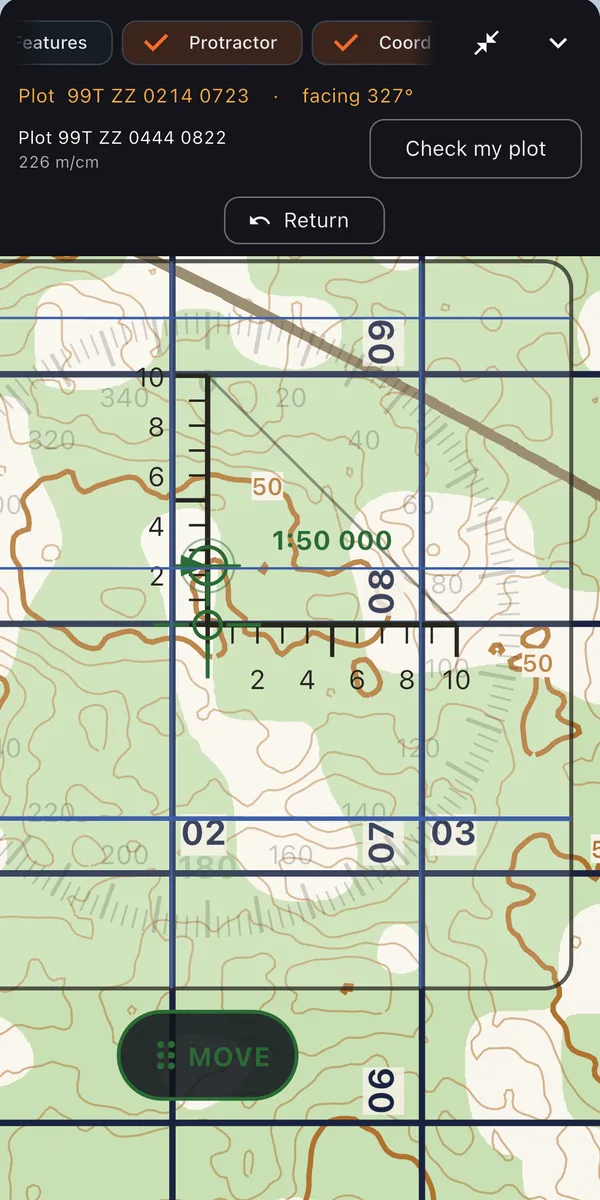
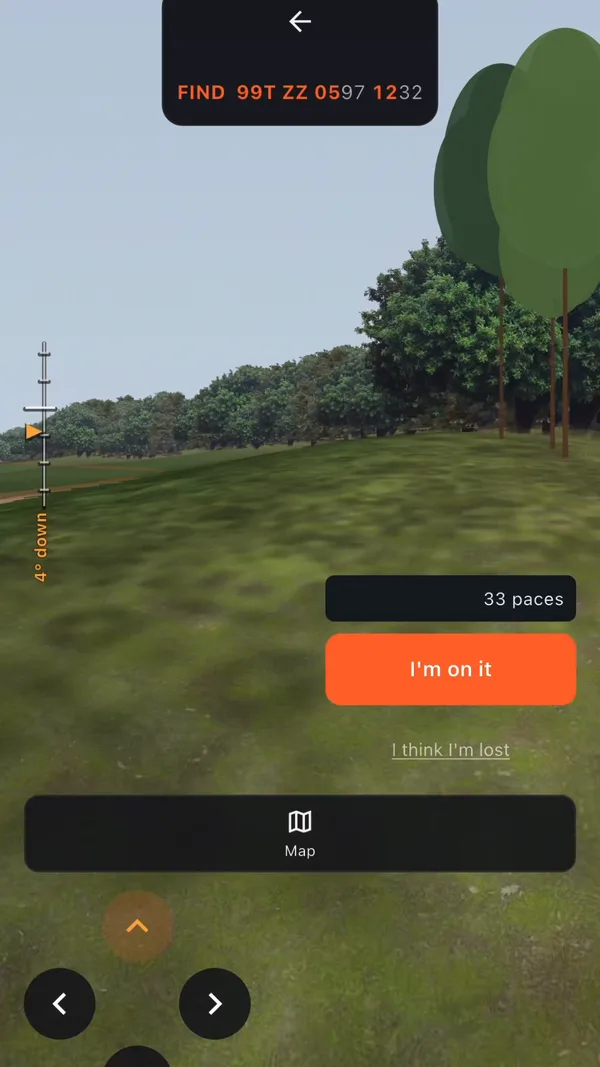
A first-person 3D view of the terrain beside a topographic map sheet of the same ground.
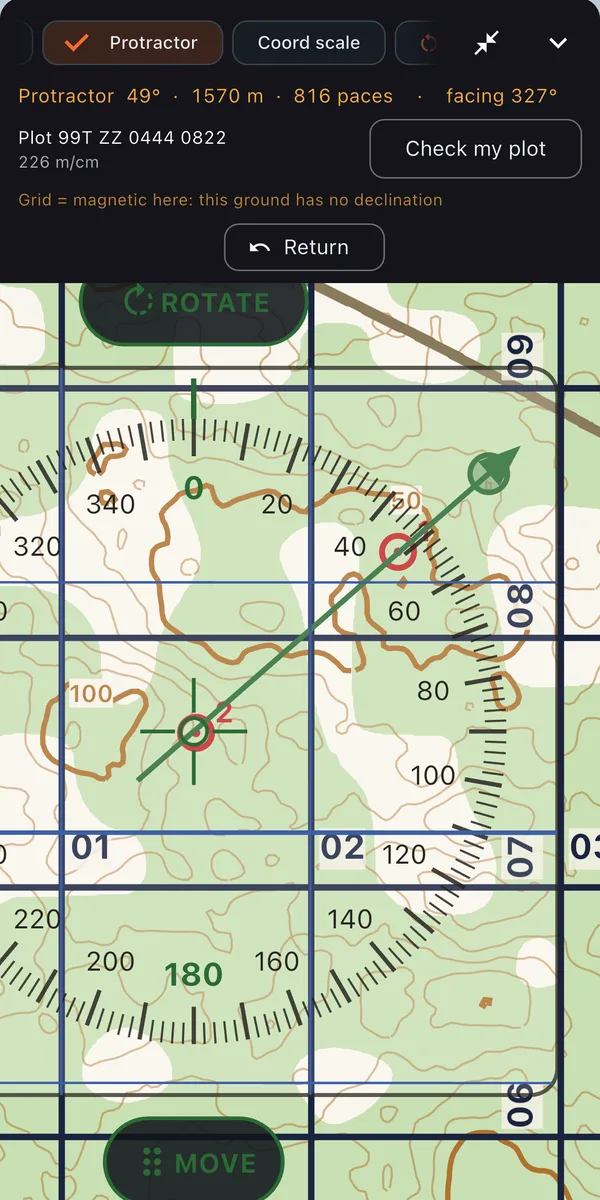
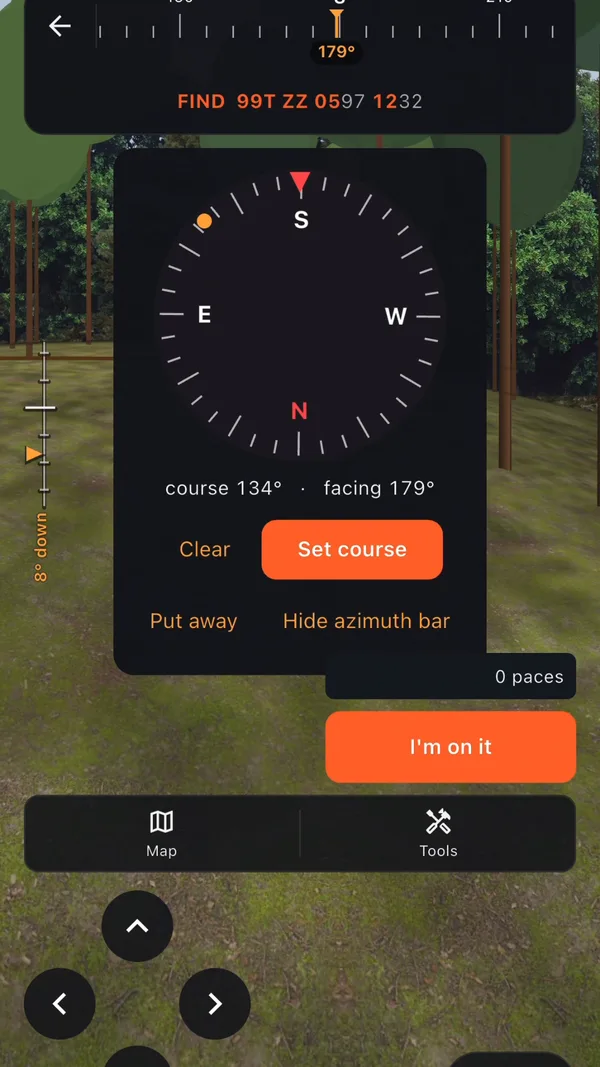
Place it on the map and rotate it to plot points and read grid azimuths.
Shoot azimuths and back azimuths from where you stand.
Mark where you think you are and where you plan to go.
Measure each leg of your route on the map.
Aim a teleport to move along your route. Return undoes it.
Stand off a named terrain feature and look at its shape from the ground.
Read how steep the ground is in front of you.
Narrates the handrails and backstops on your route as you plan and walk it.
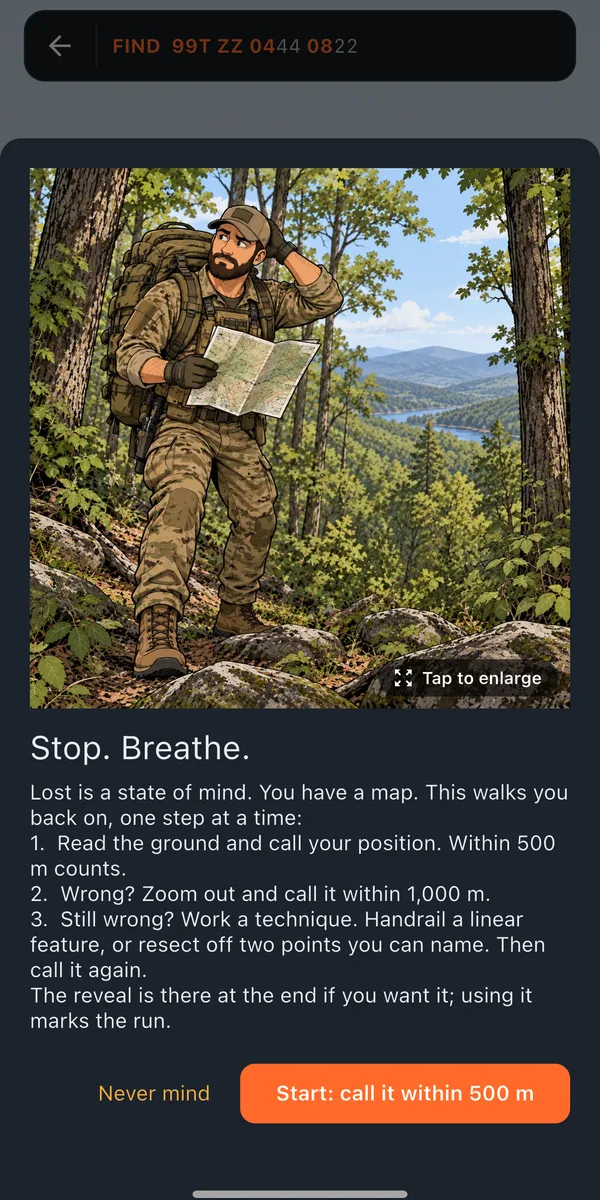
A recovery ladder. You call your position first, then it tightens the area step by step.
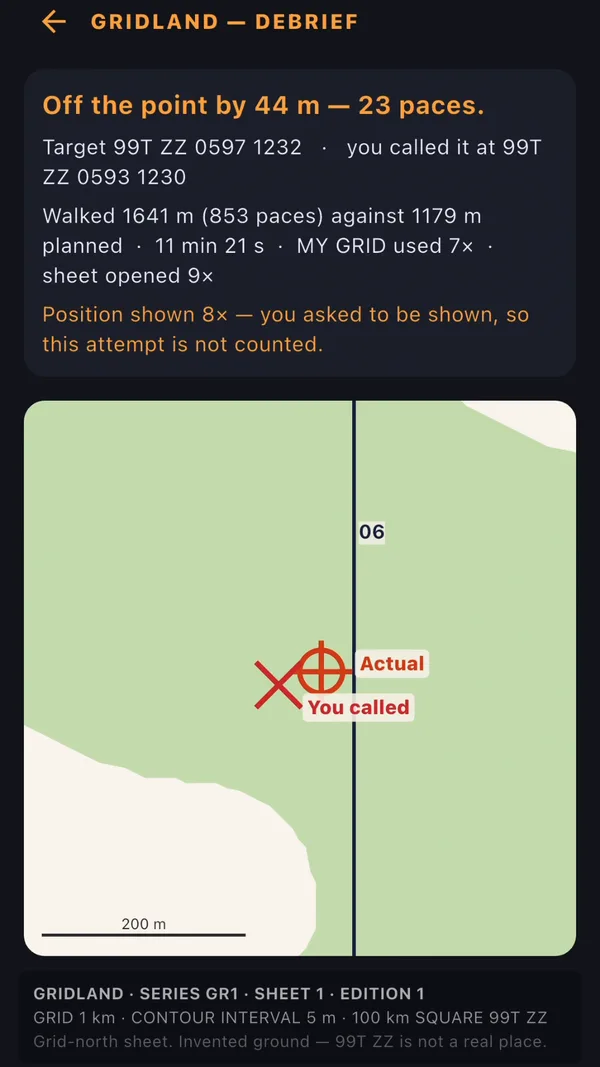
Measures your pace count and how far you drift off azimuth. The result feeds your route grade.
Checks leg length against your drift, catching features, attack points, and backstops, with plain-English reasons.
Grading
How a route gets graded
The grade looks at the decisions that decide land nav, not just whether you arrived.
- Is each leg short enough for your measured drift?
- Is there a catching feature where you could overshoot?
- Did you use an attack point you cannot miss?
- Is there a backstop beyond the objective?
Each answer comes with a plain-English reason.
Get on the ground
The simulator is included in both plans.